A website is often the first real conversation a business
has with a potential customer. Before anyone picks up the phone or walks
through the door, they scroll through a homepage, skim a few pages, and quietly
decide whether this is a company worth trusting. That judgment happens fast,
and it rarely gives second chances.
Many business owners assume a website just needs to
"look nice." In reality, the sites that actually generate leads,
sales, and trust share a specific set of functional and design characteristics.
This article breaks down the 15 features that matter most, why each one
matters, and how to think about implementing them, whether you're building a
new site or auditing an existing one.
1. Mobile-Responsive Design
More than half of global web traffic now comes from phones
and tablets, so a site that only looks good on a desktop monitor is already
failing a large share of visitors. Mobile responsiveness means the
layout, text size, images, and navigation automatically adjust to fit any
screen size without the user needing to pinch, zoom, or scroll sideways.
A responsive design isn't a bonus feature anymore — it's the
baseline. Search engines also evaluate the mobile version of a site first when
deciding how to rank it, a practice generally known as mobile-first indexing.
Key Point: If a visitor has to zoom in to read your
menu on their phone, they're more likely to leave than to zoom.
2. Fast Loading Speed
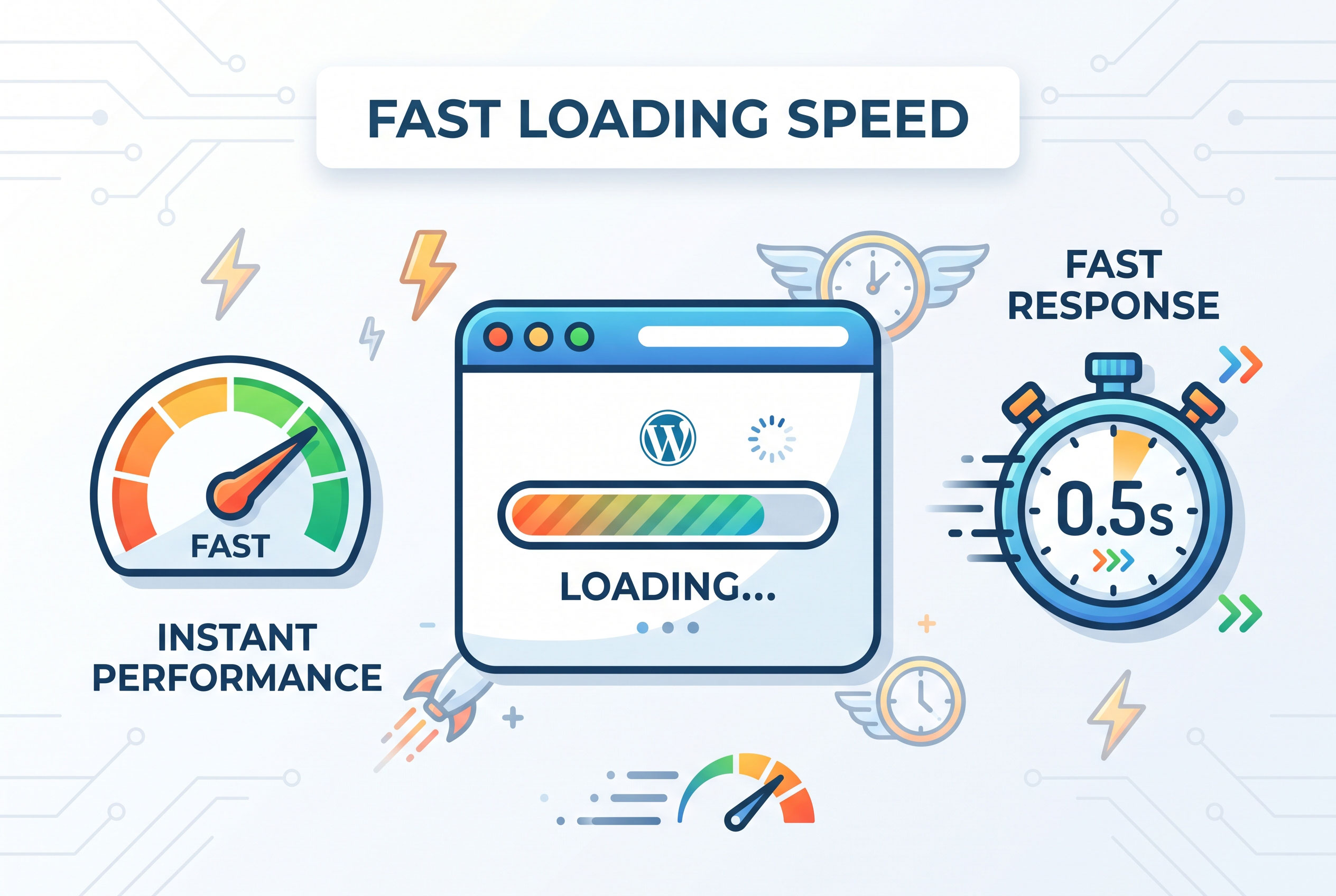
Page speed affects both user experience and search
visibility. Visitors tend to abandon a page that takes more than a few seconds
to load, and slow sites often see higher bounce rates as a result.
Common causes of slow websites include:
- Unoptimized,
oversized images
- Too
many third-party scripts and plugins
- Poor-quality
or overloaded web hosting
- Excessive
animations or heavy video backgrounds
Compressing images, using a content delivery network (CDN),
and choosing reliable hosting are practical steps that noticeably improve load
times.
3. Clear and Simple Navigation
Visitors shouldn't have to think about how to find what they
need. Intuitive navigation typically includes a visible top menu, a
logical page hierarchy, and no more than five to seven main menu items.
A confusing menu structure — with too many dropdowns or
vague labels like "Solutions" and "Resources" without
explanation — pushes visitors to leave rather than dig deeper. Simpler is
almost always better.
Common Navigation Elements
|
Element |
Purpose |
|
Top navigation bar |
Access to main pages (Home, About, Services, Contact) |
|
Footer navigation |
Secondary links, legal pages, sitemap |
|
Breadcrumbs |
Shows users their location within the site |
|
Search bar |
Helps users find specific content quickly |
4. Strong, Consistent Branding
A business website should visually reinforce brand identity
through consistent use of logo placement, color palette, typography, and
tone of voice. Inconsistent branding — different fonts on every page,
mismatched colors, or an outdated logo — creates a sense that the business
isn't well organized.
Consistency builds recognition. Over time, visitors begin to
associate specific colors, fonts, or design patterns with a trustworthy source,
which is part of why established brands rarely change their visual identity
dramatically.
5. High-Quality, Original Content
Search engines and human readers both respond to content
that is genuinely useful rather than generic filler. This includes clear
service descriptions, informative blog posts, case studies, and well-written
product or service pages.
Key Point: Content that answers real customer
questions tends to perform better in search results than content written purely
to include keywords.
Avoid duplicating text across multiple pages, and make sure
every page has a clear purpose. If a page doesn't help a visitor understand the
business or take an action, it may not need to exist.
6. Clear Calls to Action (CTAs)
A call to action is any prompt that tells the visitor
what to do next — "Request a Quote," "Book a Call,"
"Get Started," or "Contact Us." Every important page should
have at least one clear CTA that stands out visually and is easy to find
without scrolling excessively.
Websites that bury their contact information or make it
unclear how to actually buy something or reach the business tend to lose
visitors who were otherwise interested.
Where CTAs Typically Work Best
- Above
the fold on the homepage
- At the
end of service or product pages
- Within
blog posts, linking to a relevant service
- In the
website header or footer
7. Contact Information That's Easy to Find
Visitors should never have to search for how to reach a
business. A dedicated Contact page, along with a visible phone number or
email in the header or footer, builds immediate trust.
For local businesses, this should also include a physical
address and, ideally, an embedded map. Missing or hard-to-find contact details
are one of the fastest ways to make a website feel unreliable.
8. SSL Security (HTTPS)
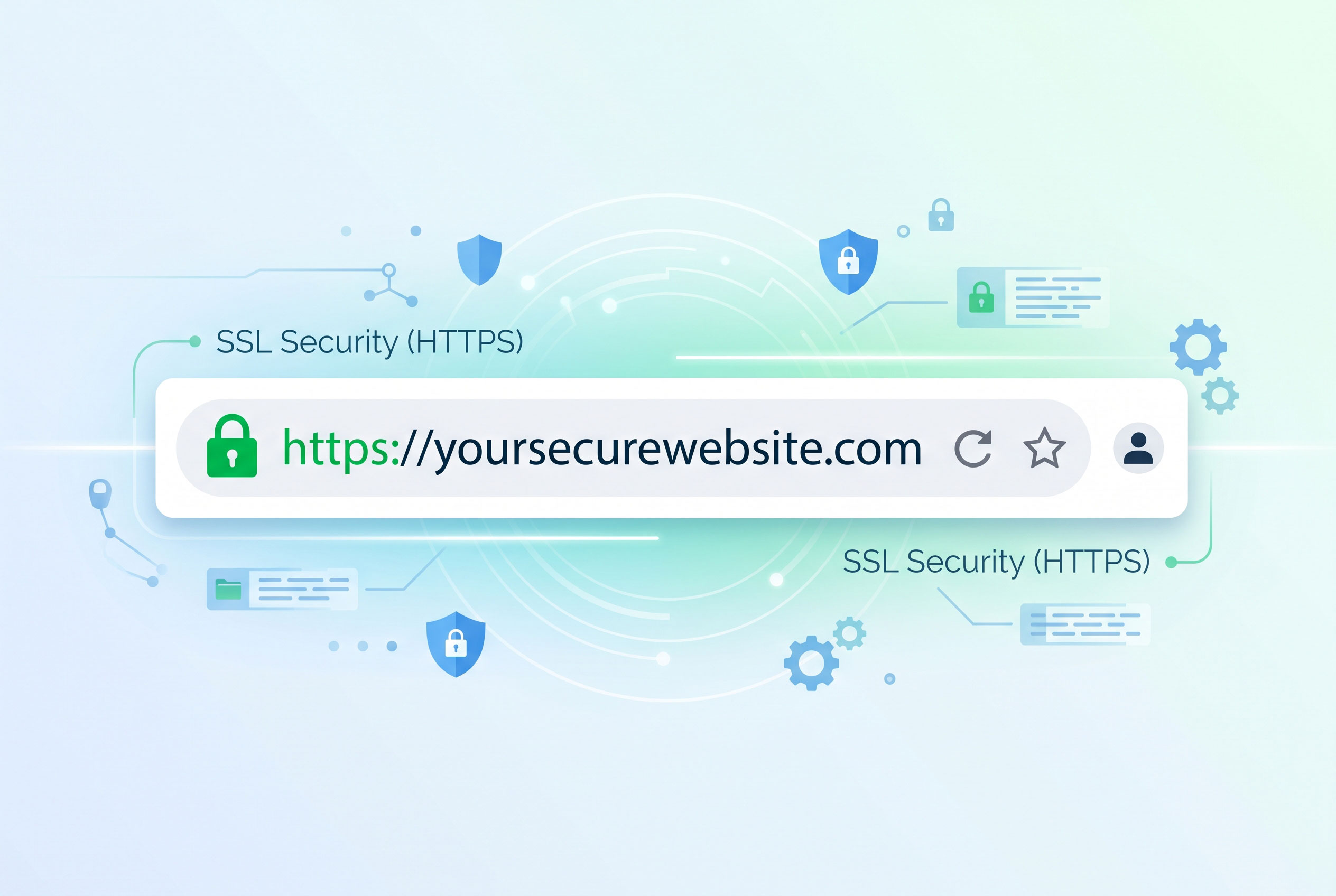
An SSL certificate encrypts the data exchanged
between a visitor's browser and the website's server. Sites using SSL display
"https://" and a padlock icon in the browser bar, while sites without
it are often flagged as "Not Secure."
Beyond security, HTTPS is also considered by search engines
as part of how they evaluate a site's trustworthiness. A website without SSL
can actively discourage visitors, especially on pages involving forms, logins,
or payments.
9. Search Engine Optimization (SEO) Basics
SEO refers to the practices that help a website
appear in relevant search results. At a foundational level, this includes:
- Descriptive
page titles and meta descriptions
- Proper
use of heading tags (H1, H2, H3)
- Clean,
readable URLs
- Alt
text on images
- Internal
links between related pages
A business website doesn't need to be an SEO powerhouse from
day one, but ignoring these basics makes it far harder for potential customers
to find the site organically through search engines.
10. Accessibility Features
An accessible website can be used by people with visual,
auditory, motor, or cognitive disabilities. This includes alt text for
images, sufficient color contrast, keyboard-navigable menus, and properly
labeled forms.
Accessibility isn't only an ethical consideration — in many
regions, it's increasingly a legal expectation for businesses, particularly
larger ones. Beyond compliance, accessible design tends to improve usability
for all visitors, not just those with disabilities.
11. Mobile-Friendly Forms
Contact forms, quote requests, and newsletter sign-ups need
to work smoothly on small screens. This means large tap targets, minimal
required fields, and clear error messages when something is filled out
incorrectly.
Key Point: Every unnecessary field in a form is a
chance for a visitor to abandon it. Ask only for what's truly needed at that
stage.
12. Social Proof (Reviews and Testimonials)
Visitors are naturally cautious about businesses they
haven't used before. Displaying customer reviews, testimonials, case
studies, or client logos helps reduce that hesitation by showing that real
people have had positive experiences.
Where possible, testimonials should include specific details
rather than vague praise — a name, a company, or a measurable result feels more
credible than a generic quote with no context.
13. Analytics and Tracking Tools
Website analytics tools track how visitors interact with a
site: which pages they view, how long they stay, and where they drop off. This
data helps business owners understand what's working and what needs
improvement.
Without analytics, decisions about website changes are often
based on guesswork rather than evidence. Even basic tracking of page views and
form submissions provides valuable insight over time.
14. Consistent Updates and Maintenance
A website isn't a "set it and forget it" project.
Outdated information — old promotions, incorrect hours, broken links, or
discontinued products — signals neglect and can quietly damage trust.
Regular maintenance should include:
- Checking
for and fixing broken links
- Updating
outdated content and pricing
- Applying
software and plugin updates
- Reviewing
site speed and security periodically
15. Integration with Business Tools
Many modern business websites connect directly with tools
like customer relationship management (CRM) software, email marketing
platforms, booking systems, or live chat. These integrations reduce manual
work and make it easier to respond to inquiries quickly.
For example, a contact form that automatically adds new
leads to a CRM saves time compared to manually transferring information from an
inbox. The right integrations depend heavily on how a specific business
operates day to day.
Bringing It All Together
None of these 15 features work in isolation — a fast, secure
site with weak content still won't convert visitors, and beautifully written
content trapped behind a slow, confusing layout won't get read. The strongest
business websites treat design, content, security, and usability as connected
parts of the same system.