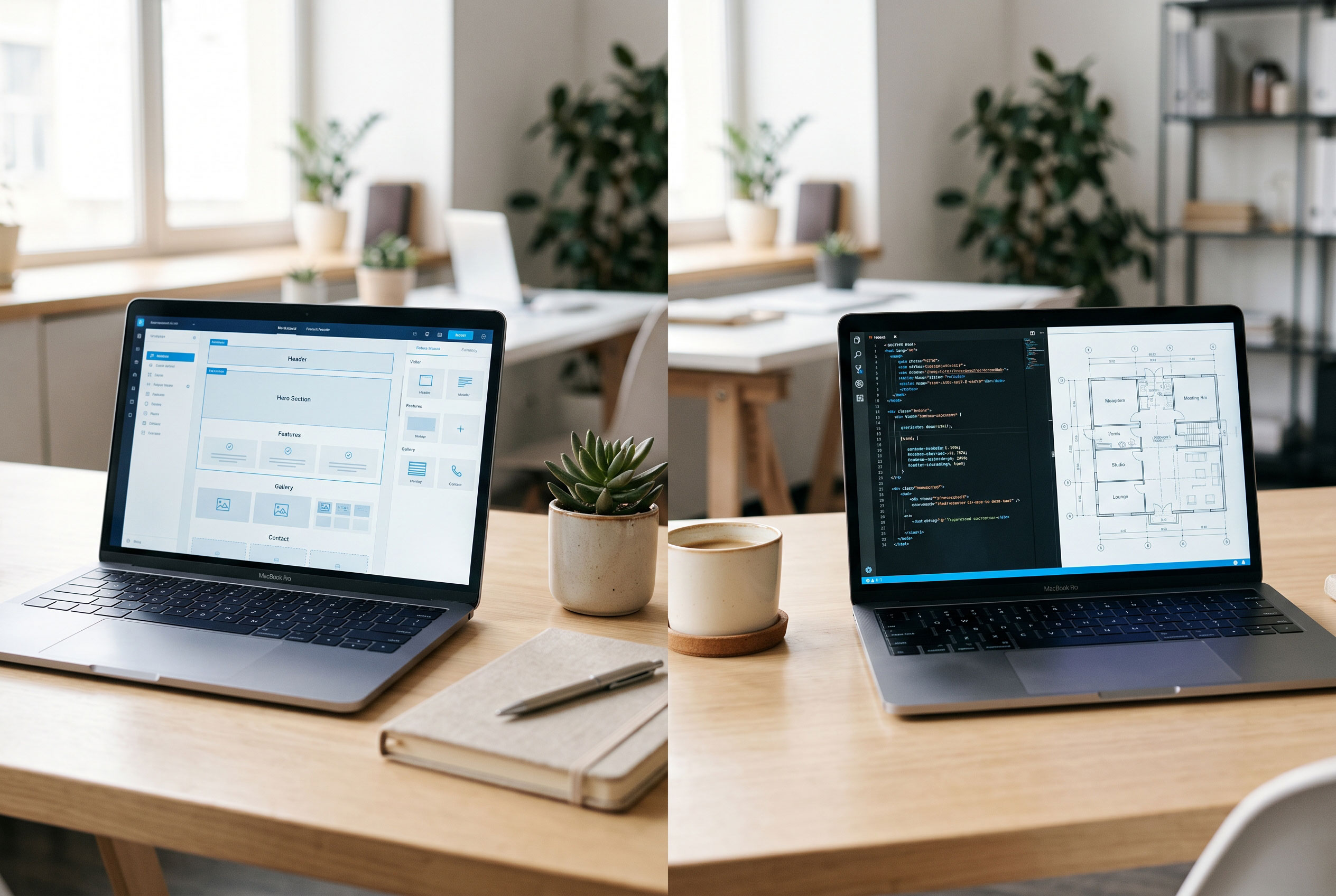
Two business owners need a website. One launches in three
weeks using a WordPress theme and a handful of plugins. The other spends five
months working with developers on a tailor-made platform. Both made a
reasonable choice, because they had different problems to solve.
That is the real answer to the WordPress versus custom
development question. Neither option wins in every case. This guide explains
how each approach works, where each one shines, and how to match the choice to
your budget, timeline, and growth plans.
What Is WordPress, and What Is Custom Development?
WordPress is an open-source content management system
(CMS). It gives you a ready-made foundation for managing pages, blog posts,
images, and users. You customize it with themes (which control design)
and plugins (which add features such as contact forms, SEO tools, or
online stores).
Custom website development means building a site from
scratch, or on a developer framework, to fit your exact requirements. A team
designs the architecture, writes the code, and builds only the features you
need. Nothing is pre-installed, and nothing is borrowed from a template unless you
choose it.
Key Point: WordPress starts with a finished
foundation and lets you adapt it. Custom development starts with a blank page
and lets you design everything.
The Case for WordPress
Speed to Launch
A WordPress site can go live in days or weeks. Themes and
plugins handle much of the work that developers would otherwise build manually.
For a business that needs an online presence quickly, this matters.
Lower Upfront Cost
Because you build on existing software, you typically spend
less at the start. The WordPress software itself is free, though you still pay
for hosting, a domain, and often premium themes or plugins. Exact costs vary
widely by project, so get quotes before assuming either route is cheaper.
Easy Content Management

Editors can publish and update pages without writing code.
For businesses that publish regularly, such as blogs, news sites, and
portfolios, this is a major advantage.
A Large Ecosystem
WordPress has a huge community of developers, designers, and
agencies. Finding help, tutorials, or replacement developers is generally
straightforward, which reduces the risk of depending on one person.
Where WordPress Falls Short
Plugin Dependence
Each plugin adds convenience, but also adds code written by
someone else. Too many plugins can slow a site down, cause conflicts after
updates, or create security gaps if a plugin is abandoned.
Maintenance Is Ongoing
WordPress core, themes, and plugins all need regular
updates. Skipping them is one of the most common ways sites become vulnerable.
You need either a maintenance routine or a provider who handles it.
Design and Logic Limits
You can do a lot with WordPress, but unusual workflows can
become awkward. If your business depends on complex custom logic, such as a
pricing engine or a multi-step client portal, you may end up bending the
platform in ways it was not designed for.
The Case for Custom Development
Built Around Your Business
A custom site does exactly what your process requires.
Booking systems, quoting tools, customer dashboards, and integrations with
internal software can be designed as core parts of the product rather than
add-ons.
Cleaner, Leaner Code
Custom builds contain only the features you need. That can
mean fewer unused scripts, better performance control, and a smaller surface
for security problems. This advantage is not automatic, though. It depends on
the quality of the developers.
Greater Control Over Scaling
If you expect heavy traffic, large datasets, or complex user
accounts, a custom architecture lets you plan for that from day one.
A Unique Experience
You are not limited by what a theme can do. This helps
brands whose user experience is part of the product itself.
Where Custom Development Falls Short
Higher Cost and Longer Timelines
Custom work involves planning, design, development, and
testing. That takes more time and usually more money upfront than a WordPress
build.
Developer Dependence
Your team or agency understands the code better than anyone
else. If they leave, a new developer needs time to learn the system. Good
documentation and clear code ownership terms reduce this risk.
Content Tools Are Not Free
Without a CMS, even simple edits might require a developer.
You can build a custom admin panel or pair your application with a headless
CMS, but that adds scope and cost.
Side-by-Side Comparison
|
Factor |
WordPress |
Custom Development |
|
Launch time |
Days to weeks |
Weeks to months |
|
Upfront cost |
Generally lower |
Generally higher |
|
Design flexibility |
High within theme limits |
Unlimited |
|
Content editing |
Easy for non-developers |
Depends on what is built |
|
Complex features |
Via plugins or custom code |
Built to specification |
|
Maintenance |
Regular updates required |
Ongoing, but fewer third-party dependencies |
|
Security |
Depends on updates and plugin quality |
Depends on developer quality and practices |
|
Best for |
Blogs, brochure sites, small stores |
Unique platforms, complex workflows |
Security: A Common Misunderstanding
Many people assume custom code is automatically safer, or
that WordPress is automatically risky. Neither is true.
Because WordPress is widely used, attackers target it often,
and most issues come from outdated plugins or weak passwords rather than from
the core software. A well-maintained WordPress site with limited plugins,
strong credentials, and regular backups can be quite secure.
A custom site avoids the plugin problem but introduces
another: its security depends on how well it was built and tested. Poorly
written custom code can be just as vulnerable. Whichever route you take, ask
who is responsible for updates, backups, and security reviews.
Real-World Scenarios
A local dental clinic needs service pages, a contact
form, and online appointment requests. WordPress with a good theme and a
booking plugin covers this well.
A consultant who publishes weekly articles benefits
from WordPress's content tools and SEO plugins. Custom development would add
cost with little extra value.
A logistics startup wants clients to log in, track
shipments, and see live pricing based on its own rules. This is closer to a
software product than a website, so custom development is the stronger fit.
A growing online store could go either way. Many sell
successfully with WordPress and WooCommerce. A store with unusual pricing,
subscriptions, or inventory logic may eventually outgrow that setup.
How to Choose: Five Questions to Ask
- What
does the site need to do? If it mainly shares information and collects
leads, WordPress is likely enough.
- What
is your budget, including maintenance? Compare total cost over a few
years, not just the launch price.
- How
fast do you need to launch? Tight timelines favor WordPress.
- Who
will update the content? If non-technical staff will do it daily, make
sure the platform supports that.
- How
will the business grow? If you expect complex features within a year
or two, ask whether WordPress can handle them or whether you would face a
costly rebuild.
Key Point: If your needs fit what existing tools
already do well, custom code adds cost without adding value. If your needs are
unusual, forcing a template to fit can cost more in the long run.
A Middle Path
This is not always an either/or decision. Some businesses
start with WordPress to validate their idea, then build custom features or
migrate once they understand their needs. Others use headless WordPress,
where WordPress manages content while a custom front end handles presentation
and functionality. This adds complexity, so it suits teams with development
resources.
The Bottom Line
WordPress is usually the practical choice for businesses
that want to launch quickly, manage content easily, and keep upfront costs
reasonable. Custom development makes more sense when your website is a core
business tool with requirements no existing platform handles well.
Before you decide, write down what your site must do today
and what it may need in two years. Then ask any developer or agency you are
considering to explain which approach they would pick and why. A good answer
will refer to your goals rather than to what they happen to sell.