

A customer writes in at 11 p.m. asking where their order is.
Nobody on your team is online, so the message waits until morning. By then, the
customer has sent two more messages and posted a frustrated comment on social
media.
Situations like this explain why so many companies are
adding AI to their support operations. Used well, it answers routine questions
instantly, sends complex problems to the right person, and gives human agents
the context they need to solve issues faster. Used badly, it traps customers in
loops and damages trust.
This guide explains where AI actually helps in customer
support, how to roll it out step by step, and which mistakes to avoid.
What Does AI Customer Support Actually Mean?
AI customer support means using software that can
understand language, learn from past conversations, and take action to help
customers or support staff. It is not one tool. It is a group of capabilities
that can be used separately or together.
The most common ones are:
- Chatbots
and virtual assistants that answer questions in chat, email, or
messaging apps
- Smart
routing that reads incoming requests and sends them to the right team
- Agent
assistance that suggests replies, summarizes long threads, and
surfaces help articles
- Sentiment
and intent detection that flags frustrated customers or urgent issues
- Analytics
that find patterns in thousands of conversations
Key Point: AI works best as a partner to your support
team, not a replacement. The strongest setups let software handle repetitive
work so people can focus on problems that need judgment and empathy.
Where AI Makes the Biggest Difference
Answering Common Questions Instantly
Most support teams see the same questions repeatedly:
password resets, shipping status, return policies, billing dates, and basic
setup steps. These requests are predictable, which makes them ideal for
automation.
A well-configured AI assistant can answer these at any hour,
in several languages, and without a queue. Customers get a response in seconds,
and your agents are no longer buried in questions they have answered a hundred
times.
Routing Tickets to the Right Person
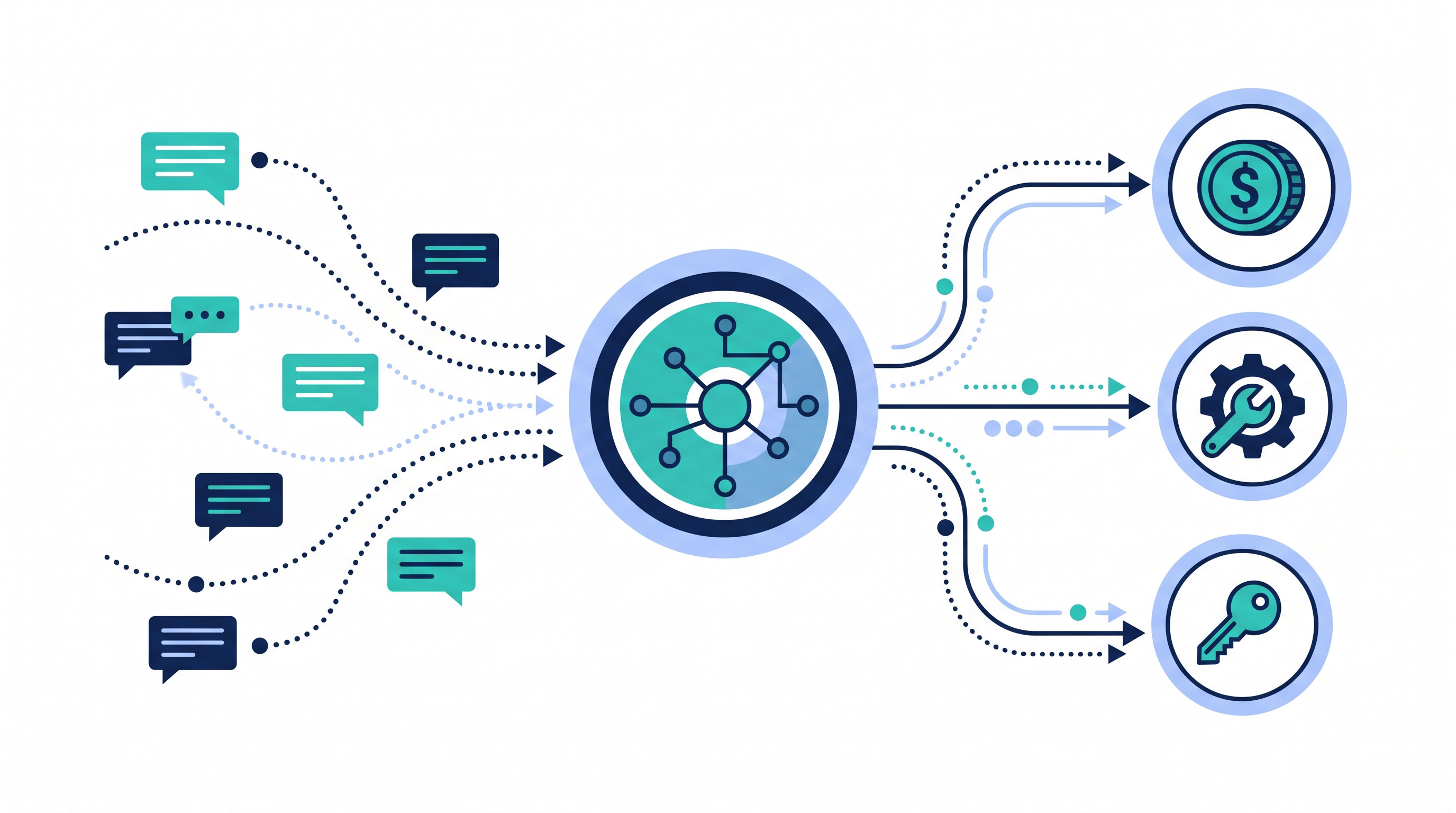
Many support teams still sort requests by hand, or rely on a
customer picking the correct category from a dropdown. AI can read the message
itself, identify the topic and urgency, and assign it to the right queue.
A billing dispute goes to finance support. A bug report goes
to technical support with the relevant details attached. A message containing
language about canceling or legal action can be flagged for a senior agent.
This reduces back-and-forth handoffs, which customers tend to find especially
annoying.
Helping Agents Work Faster
Some of the most practical gains come from tools that
support agents instead of talking to customers directly. These include:
- Suggested
replies drafted from your help center and past answers, which the
agent reviews and edits
- Conversation
summaries so an agent picking up a ticket does not need to read twenty
messages
- Knowledge
search that finds the right internal article without manual digging
- Tone
checks that catch replies that may sound curt or unclear
Because a human reviews everything before it reaches the
customer, this approach carries less risk than full automation. It is often a
sensible first step.
Spotting Problems Early
AI can scan large volumes of tickets and surface patterns
people would miss. If dozens of customers mention the same confusing checkout
step after a website update, analysis tools can group those complaints so your
team sees the issue within hours instead of weeks.
Sentiment analysis adds another layer. It estimates how a
customer feels based on word choice, helping teams prioritize someone who is
clearly upset. Treat this as a rough signal rather than a precise measurement,
since tone is hard to read from text alone.
AI Support Tools Compared
Different tools suit different needs. This table summarizes
the main options.
|
Tool Type |
Best For |
Human Involvement |
Main Risk |
|
Customer-facing chatbot |
Repetitive questions, after-hours coverage |
Low, with escalation available |
Frustrating customers if it cannot hand off |
|
Smart ticket routing |
Teams with multiple queues or products |
Low |
Misrouting if categories are unclear |
|
Agent assist |
Speeding up replies and training new staff |
High (agent approves) |
Agents trusting suggestions without checking |
|
Analytics and sentiment tools |
Spotting trends and urgent cases |
Medium |
Over-reading imperfect sentiment scores |
How to Roll Out AI in Customer Support
A gradual rollout almost always works better than switching
everything on at once.
Step 1: Study Your Current Tickets
Before buying anything, review a few hundred recent
conversations. Which questions come up most? Which take the longest to resolve?
Which ones are simple but time-consuming? Your answers show where automation
will save the most effort.
Step 2: Start with One Narrow Use Case
Pick a single, low-risk area, such as order status questions
or password resets. A small scope makes it easier to test quality and fix
problems before customers notice them.
Step 3: Prepare Your Knowledge Base
AI is only as good as the information it draws from.
Outdated policies, contradictory articles, and missing answers lead to wrong
responses. Clean up your help content first, and assign someone to keep it current.
Step 4: Design a Clear Path to a Human
This step matters more than any other. Customers should be
able to reach a person without repeating themselves. Pass the full conversation
along when a handoff happens, and make the option easy to find rather than
hiding it.
Step 5: Test, Measure, and Adjust

Track a small set of metrics:
- First
response time: how quickly customers hear back
- Resolution
time: how long issues take to close
- Customer
satisfaction scores: ratings after interactions
- Escalation
rate: how often AI hands off to a person
- Accuracy:
a manual review of a sample of AI answers
Review actual conversations regularly, not only the
dashboards. Numbers can look healthy while customers quietly struggle.
Common Mistakes to Avoid
Hiding the human option. A bot that refuses to
connect people with an agent turns small problems into serious complaints.
Pretending the bot is a person. Be open that
customers are talking to an automated assistant. Honesty builds more trust than
a fake name and photo.
Automating sensitive situations. Complaints about
safety, billing errors, bereavement, or account security usually deserve a
human from the start.
Ignoring privacy rules. Support conversations often
contain personal data. Check how any vendor stores and processes it, and make
sure your use complies with the laws that apply where your customers live.
Treating launch as the finish line. Products,
policies, and customer questions change. An AI system needs ongoing review,
just like a new employee needs coaching.
What About Quality and Accuracy?
AI language tools can sound confident while being wrong.
This is a known limitation, and it is the reason to restrict customer-facing
answers to approved content, test with real questions, and keep humans in the
loop for anything involving money, safety, or legal commitments.
Many platforms let you limit the assistant to your own help
articles rather than letting it improvise. For most businesses, that trade-off
is worth it. A slightly narrower assistant that is correct beats a broad one
that occasionally invents answers.
Choosing the Right Approach for Your Business
The right starting point depends on your size and resources:
- Small
teams can begin with an AI-powered help center search or a chatbot
limited to a few common questions.
- Growing
teams often benefit most from smart routing and agent assist, since
ticket volume strains manual processes.
- Larger
organizations may combine all of the above with analytics, and often
need tighter integration with existing customer records.
When comparing vendors, ask practical questions. Can it
connect to your current help desk? Can you control what sources it uses? How
does it handle handoffs? What data does it keep, and where? Ask for a trial
with your own tickets rather than relying on a demo.
The Real Goal: Faster Help, Not Just Fewer Tickets
It is tempting to measure success by how many conversations
the AI closes without a person. That number can be misleading. A customer who
gives up is not a resolved case.
A better question is whether customers get correct answers
faster and whether your agents spend more time on problems that need them. When
AI handles the repetitive load and people handle the nuance, both customers and
teams usually benefit. Start small, protect the path to a human, and let real
conversations guide what you automate next.