

Most people don't lose their workday to one big job. They
lose it to dozens of small ones: sorting the inbox, retyping invoice details,
writing the fifth version of the same reply, and summarizing a meeting nobody
has time to re-read.
AI can now handle many of these tasks, or at least the first
80% of them. This guide walks through 15 tasks worth automating, grouped
by department, with notes on where a human should stay involved.
What Can Businesses Automate With AI?
Key Point: AI works best on tasks that are repetitive,
text-heavy, and rule-based enough to check quickly. Businesses commonly
automate customer replies, scheduling, data entry, content drafts, meeting
notes, and reporting, while people keep control of decisions, approvals, and
sensitive judgment calls.
The pattern behind that answer matters more than any single
tool. If a task follows a predictable pattern and a mistake is easy to catch,
it is a good candidate. If a mistake could harm a customer, an employee, or
your finances, keep a person in the loop.
Customer-Facing Tasks
1. Answering common support questions
Chatbots and AI assistants can handle questions like order
status, opening hours, return policies, and password resets. Give the system
your help-center content and a clear rule for handing off to a human when it is
unsure.
2. Sorting and routing support tickets
Before anyone replies, AI can read incoming messages, tag
them by topic and urgency, and send them to the right person. This saves the
daily "who owns this?" shuffle.
3. Booking appointments and meetings
Scheduling assistants check calendars, propose times, send
confirmations, and reschedule when plans change. A clinic, salon, or
consultancy can remove most of the back-and-forth emails.
4. Drafting review responses
AI can write a first reply to each online review, thanking
happy customers and acknowledging complaints. A person should read every
negative-review reply before it goes out, since tone matters here.
Marketing and Content Tasks
5. Producing first drafts
AI is good at outlines, product descriptions, newsletters,
and social posts. Treat the output as a rough draft that a person edits for
accuracy, voice, and originality.
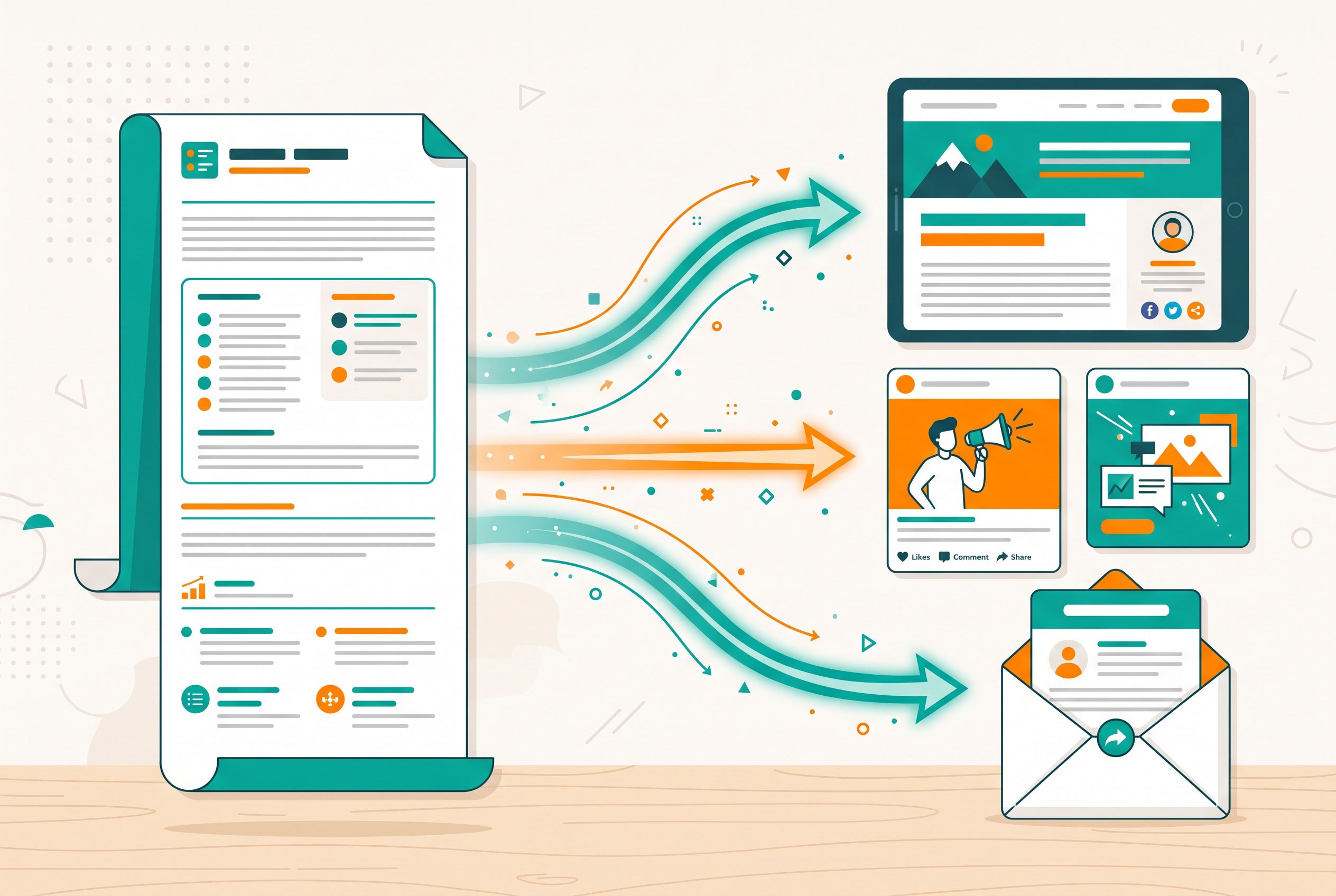
6. Repurposing content
One webinar can become a blog post, five social posts, and
an email summary. AI handles the reformatting, which is often the slowest part.
7. Personalizing email campaigns
Instead of sending one message to everyone, AI can help
segment your list and adjust subject lines or intros for each group. Start
small, such as two segments, and compare results.
8. Generating ad and headline variations
Writing ten versions of a headline is tedious. AI produces
variations quickly, so you can test them and keep what performs.
Finance and Administrative Tasks
9. Extracting data from invoices and receipts
Document-reading tools can pull vendor names, dates, and
totals from PDFs and photos into your accounting system. Always spot-check
amounts, since a misread digit is costly.
10. Categorizing expenses
AI can suggest categories for transactions based on past
patterns, which shortens month-end bookkeeping. An accountant should still
review anything unusual.
11. Summarizing meetings and tracking action items
Transcription and summary tools can turn a one-hour call into
a short recap with owners and deadlines. This is one of the easiest wins
because the risk is low and the time saved is immediate.
12. Sorting the inbox and drafting replies
AI can flag urgent messages, group newsletters, and suggest
short replies to routine requests. You review and send.
Operations, HR, and Data Tasks
13. Screening applications, with care
AI can organize résumés and match them against a job
description. However, automated hiring tools can reproduce bias found in past
data, and some regions regulate their use. Use AI to organize, not to make
rejection decisions on its own.
14. Building reports and explaining data
Feed AI a spreadsheet and ask it to summarize trends, flag
outliers, or draft the commentary for a monthly report. Verify the numbers
against the source before sharing anything.
15. Searching internal knowledge
Employees waste time hunting for policies, past proposals,
and how-to documents. An AI search layer over your internal files lets people
ask a question in plain language and get an answer with a link to the source.
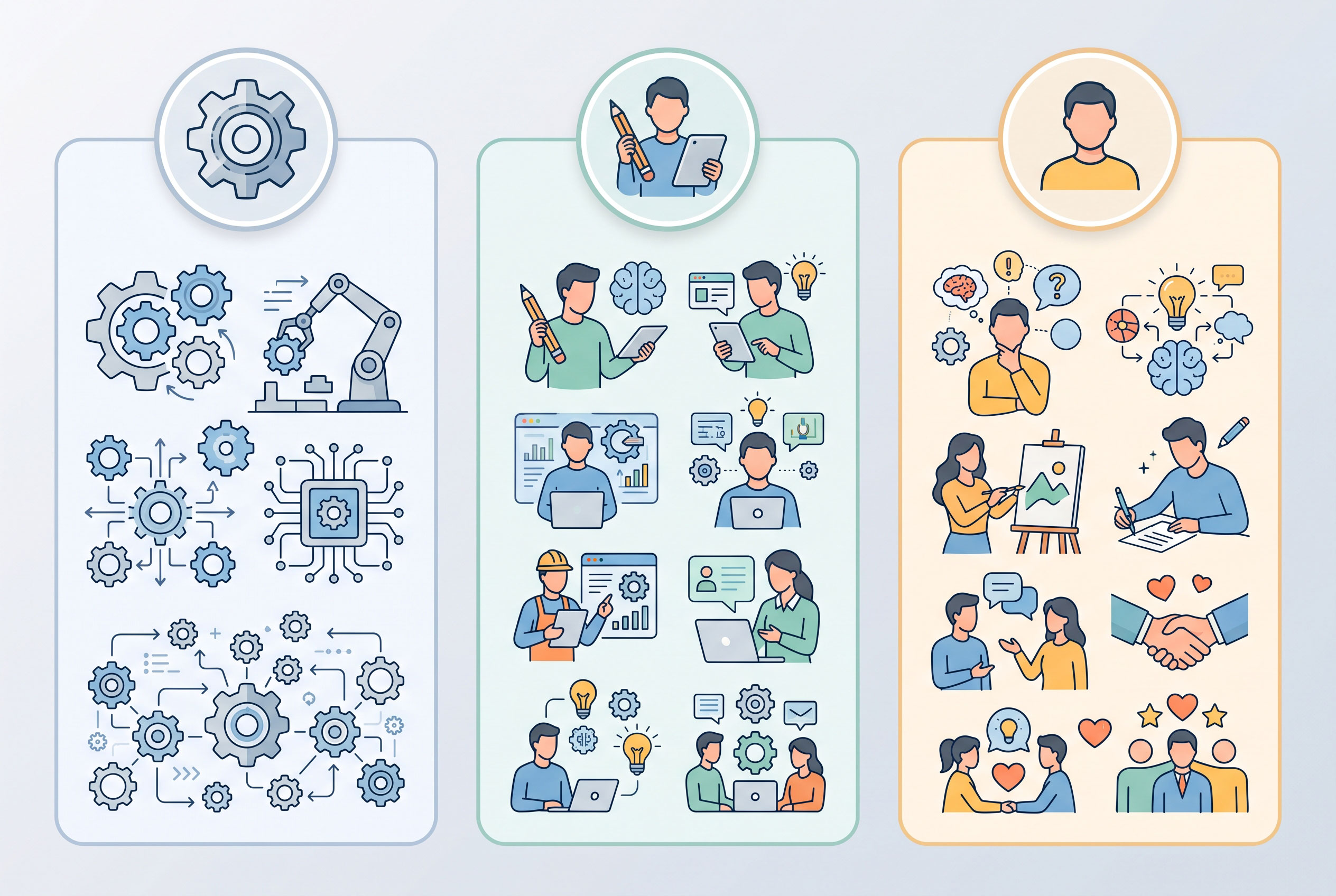
Quick Comparison: Automate, Assist, or Keep Human
|
Task type |
Best approach |
Why |
|
FAQ replies, scheduling, tagging |
Automate |
Predictable, low risk |
|
Content drafts, review replies, reports |
Assist (AI drafts, human edits) |
Quality and tone matter |
|
Invoice and expense data |
Assist with spot checks |
Errors affect money |
|
Hiring decisions, legal advice, layoffs |
Keep human |
High stakes, fairness concerns |
What You Should Not Automate Blindly
Some tasks look easy but carry real risk. Be cautious with
anything involving legal commitments, medical or financial advice, disciplinary
decisions, or sensitive customer complaints.
Also remember that AI can state wrong information
confidently. That is why review steps belong in your process from the start,
not as an afterthought.
Data privacy deserves attention too. Before pasting customer
or employee information into any AI tool, check the provider's data-handling
terms and your local regulations.
How to Start Without Overwhelming Your Team
You don't need to automate everything at once. A steady
approach works better:
- List
your repetitive tasks. Ask each team member for the three tasks they'd
happily hand off.
- Pick
one with low risk and clear value. Meeting summaries and ticket
tagging are common starting points.
- Run
a two-week trial. Compare time spent and error rates before and after.
- Add
a review step. Decide who checks the output and how often.
- Document
what works. Save good prompts and settings so others can reuse them.
- Expand
gradually. Move to the next task only when the first one runs
smoothly.
A Practical Takeaway
The best candidates for AI are the tasks people dread and
rarely learn from: sorting, copying, summarizing, and first drafts. Automate
those, and your team gets time back for conversations, decisions, and creative
work that AI can't own.
Start with one task this week, measure the result honestly,
and keep a human accountable for the outcome. That combination delivers most of
the benefit with little of the risk.