

A small accounting firm used to spend hours each week
manually sorting invoices, entering data, and flagging errors by hand. Today,
similar firms hand that work to software that reads documents, extracts the
right numbers, and routes exceptions to a human only when something looks
unusual. That shift — from manual, rule-based work to systems that can
interpret information and make decisions — is the core idea behind AI
automation.
This article explains what AI automation actually means, how
it's different from older forms of automation, and where businesses are
realistically using it today.
What Is AI Automation?
AI automation refers to the use of artificial
intelligence — particularly machine learning, natural language processing, and
computer vision — to perform tasks that previously required human judgment, not
just repetitive manual steps.
Traditional automation follows fixed rules: "if X
happens, do Y." AI automation goes further by allowing software to
interpret unstructured information — like an email, a photo, or a customer's
spoken request — and decide what to do next, often improving its accuracy over
time as it processes more data.
Key Point: AI automation isn't a single tool. It's a
category that includes chatbots, document-processing systems, predictive
analytics, and AI-enhanced robotic process automation (RPA), among other
applications.
How Does AI Automation Work?
Most AI automation systems follow a similar underlying
pattern, even though the specific technology varies by use case.
- Data
input — The system receives information: an email, a form, a scanned
document, sensor data, or a customer message.
- Interpretation
— A machine learning model analyzes the input to identify patterns,
extract meaning, or classify the content.
- Decision
or action — Based on that interpretation, the system either completes
a task automatically or routes it to a person for review.
- Learning
(in many systems) — Some tools improve over time by learning from
corrections or new data, though this depends on how the system is built
and maintained.
This is different from older automation tools, which could
only follow instructions that a human had explicitly programmed in advance.
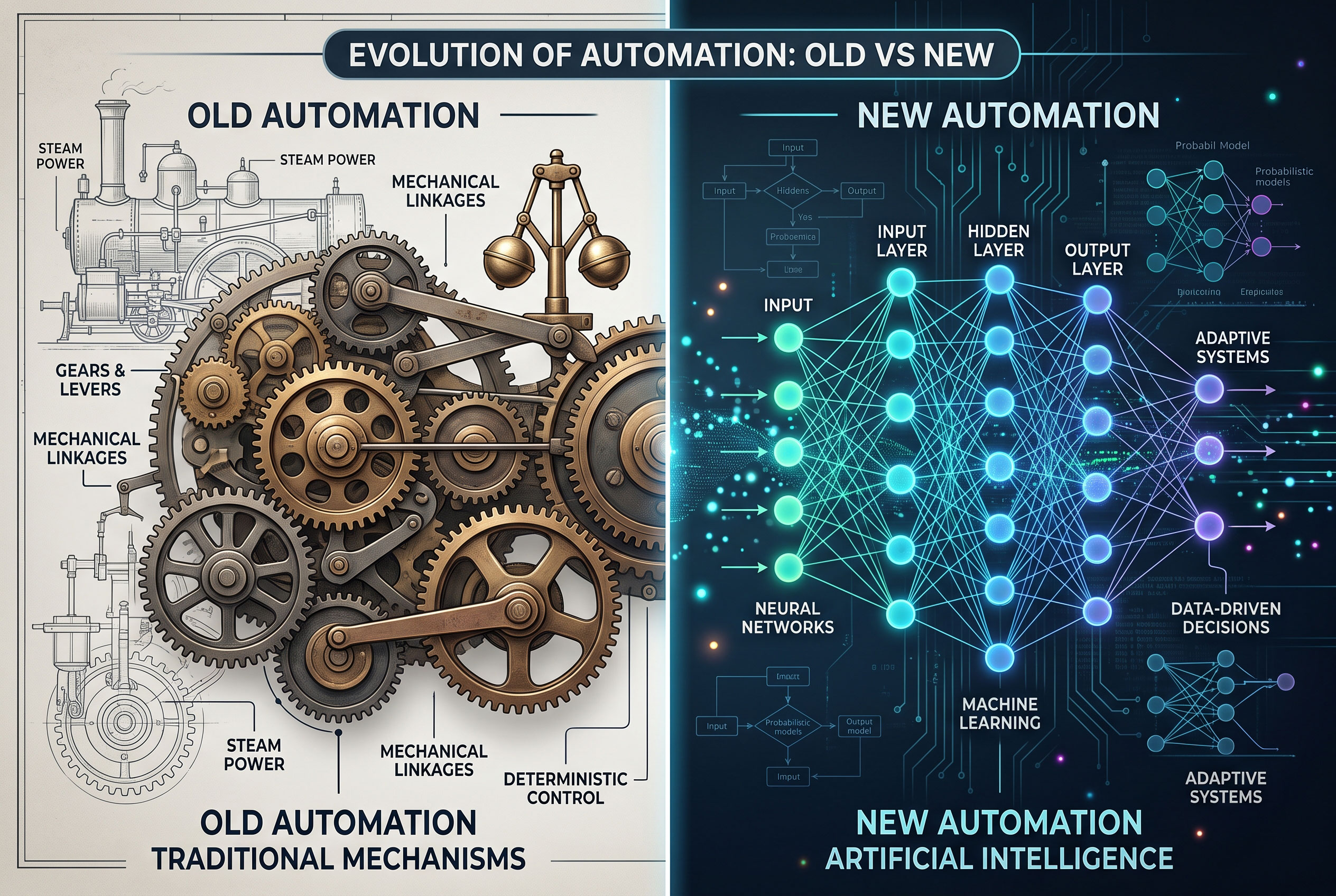
AI Automation vs. Traditional Automation
|
Feature |
Traditional Automation |
AI Automation |
|
Handles structured, repetitive tasks |
Yes |
Yes |
|
Interprets unstructured data (text, images, speech) |
No |
Yes |
|
Requires explicit rules for every scenario |
Yes |
Not always |
|
Can improve performance with more data |
No |
Often, depending on design |
|
Best suited for |
Fixed, predictable processes |
Variable processes needing judgment |
Both approaches remain useful. Many businesses combine them:
a traditional rules-based system handles the routine steps, while an AI
component manages the parts that involve reading, understanding, or predicting.
Common Types of AI Automation
Businesses generally encounter AI automation in a handful of
recognizable forms:
- Robotic
Process Automation (RPA) enhanced with AI — Software that performs
repetitive digital tasks (like copying data between systems) and uses AI
to handle exceptions or unstructured inputs.
- Natural
language processing (NLP) tools — Chatbots, email classifiers, and
virtual assistants that read and respond to text or speech.
- Computer
vision systems — Tools that inspect images, such as quality-control
cameras on a production line or document scanners that read handwriting.
- Predictive
analytics — Systems that analyze historical data to forecast demand,
detect fraud, or flag maintenance needs before equipment fails.
- Workflow
orchestration platforms — Tools that connect multiple apps and use AI
logic to decide how a task should move through a process.
Benefits of AI Automation for Businesses
Key Point: The main appeal of AI automation is that
it can take on tasks that are too variable or judgment-dependent for older
automation tools, freeing employees for higher-value work.
- Time
savings on repetitive administrative work, such as data entry, scheduling,
or document sorting.
- Fewer
manual errors in processes like invoice matching or compliance checks,
since the software applies the same standard consistently.
- Faster
customer response times, since chatbots and automated triage systems
can handle simple requests instantly.
- Better
use of data, since AI tools can process far more information than a
person could review manually.
- Scalability,
allowing a business to handle more volume without a proportional increase
in staff.
These benefits vary by industry and by how well the
automation is implemented — poorly designed systems can create new problems
instead of solving old ones.
Practical Applications Across Business Functions

Customer Service
Chatbots and AI-powered ticketing systems can answer common
questions, route complex issues to the right team, and summarize customer
conversations for agents.
Finance and Accounting
AI tools can extract data from invoices and receipts, flag
unusual transactions for fraud review, and assist with reconciling accounts.
Marketing
Automation can personalize email campaigns based on customer
behavior, generate first drafts of content, and analyze which messages perform
best.
Human Resources
AI can screen resumes against job criteria, schedule
interviews, and answer routine employee questions about policies or benefits.
Operations and Supply Chain
Predictive tools can forecast inventory needs, and computer
vision can inspect products for defects on a manufacturing line.
Challenges and Limitations
AI automation is not a universal solution, and businesses
should weigh a few real limitations before adopting it broadly.
- Data
quality matters. An AI system trained or operating on poor-quality
data will produce unreliable results.
- Not
every process benefits. Highly variable, low-volume tasks may not be
worth automating, since the setup cost may outweigh the time saved.
- Oversight
is still necessary. Automated decisions — especially ones involving
customers, finances, or employees — generally need a way for humans to
review and correct mistakes.
- Integration
can be complex. Connecting AI tools with existing software systems
sometimes requires technical work that smaller businesses may need outside
help to manage.
- Costs
vary widely. Some tools are inexpensive subscription services; others
require significant investment in custom development.
How Businesses Can Start Using AI Automation
- Identify
repetitive, time-consuming tasks that involve reading, sorting, or
responding to information — these are usually the best starting points.
- Start
small. A single well-defined process, such as automating responses to
common customer emails, is easier to evaluate than a company-wide
overhaul.
- Choose
tools that fit existing systems. Many AI automation platforms are
designed to connect with common business software rather than replace it
entirely.
- Keep
a human in the loop, particularly for decisions with financial, legal,
or customer-facing consequences.
- Measure results before expanding, using clear metrics like time saved, error rates, or customer response times.