
You publish a page, wait a few weeks, and nothing happens.
No traffic, no rankings, and no obvious reason why. In most cases the cause is
not one dramatic failure. It is a handful of small, fixable mistakes that add
up.
This guide covers 15 common SEO mistakes that can
hold a website back, grouped by where they usually appear: strategy, on-page
content, technical setup, and authority. Each one comes with a practical fix.
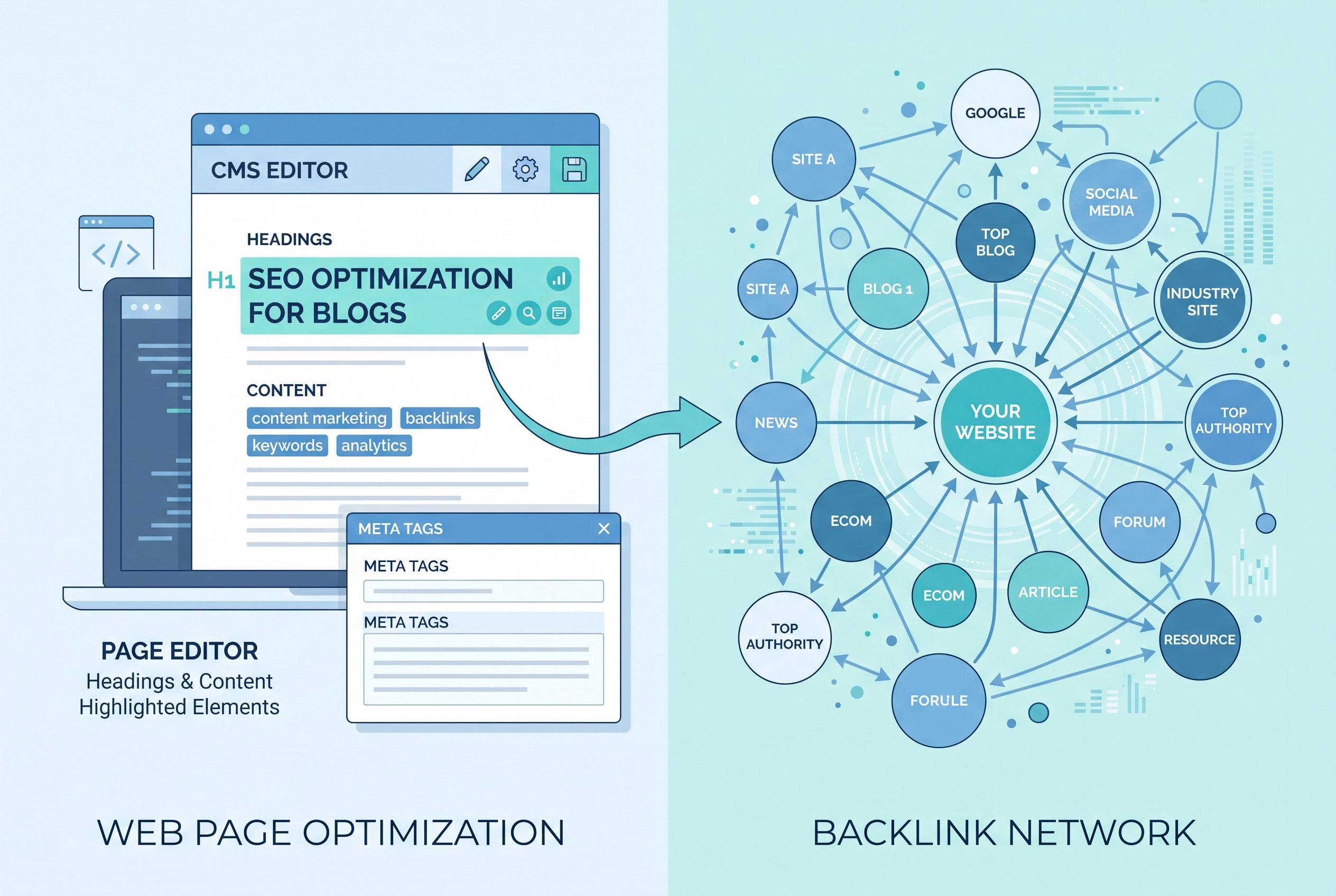
[Image 1: after the introduction]
Strategy Mistakes: Problems Before You Write a Word
1. Publishing Without Understanding Search Intent
Search intent is the reason behind a query. Someone
searching “best running shoes” wants comparisons, while someone searching “how
to tie running shoes” wants steps. If your page does not match what people
expect, they leave, and search engines notice that your page is a poor fit.
Fix: Search your target keyword and study the top
results. Note whether they are guides, product pages, lists, or videos, then
match the format and depth.
2. Targeting Keywords That Are Too Competitive
A new site competing for a broad term like “insurance”
against established brands rarely wins. Specific phrases are easier to rank for
and often attract more motivated readers.
Fix: Start with narrower, long-tail phrases such as
“car insurance for first-time drivers”. Build topical coverage, then move to
broader terms.
3. Having No Clear Keyword Plan per Page
When several pages target the same phrase, they compete with
each other. This is called keyword cannibalization, and it makes it
harder for any single page to rank.
Fix: Assign one main topic to each page and keep a
simple spreadsheet mapping pages to keywords. Merge pages that overlap heavily.
Key Point: Every page should answer one main question
better than the alternatives. If you cannot state that question in one
sentence, the page is probably unfocused.
On-Page Mistakes: Problems With the Content Itself
4. Stuffing Keywords Into the Text
Repeating a phrase unnaturally makes writing hard to read
and signals low quality. Google has long advised against keyword stuffing in
its spam policies.
Fix: Write for people. Use your main keyword in the
title, the introduction, and where it fits naturally, then rely on related
terms and synonyms.
5. Writing Weak Title Tags and Meta Descriptions
The title tag is one of the first things searchers see.
Titles that are vague, duplicated across pages, or too long get cut off in
results. Meta descriptions do not directly raise rankings, but a clear one can
improve clicks.
Fix: Keep titles roughly 50–60 characters, place the
main idea early, and give every page a unique description that tells readers
what they will gain.
6. Publishing Thin or Low-Value Content
Pages that repeat what everyone else says, or that exist
only to catch a keyword, rarely perform well. There is no magic word count.
Google has said length alone is not a ranking factor, so the goal is
completeness, not padding.
Fix: Add something original: a worked example, your
own data, a clearer explanation, or a step-by-step process. Cover the follow-up
questions a reader would ask next.
7. Ignoring Page Structure and Readability
Walls of text with no headings are hard to scan, and
headings also help search engines understand a page’s outline.
Fix: Use one H1, descriptive H2 and H3 headings,
short paragraphs, and lists where they help.
|
Element |
Common Mistake |
Better Approach |
|
Title tag |
Generic or duplicated |
Unique, specific, concise |
|
Headings |
Skipped levels, keyword-only |
Logical H1 → H2 → H3 outline |
|
Paragraphs |
Long blocks |
2–4 short sentences |
|
Images |
Missing alt text |
Concise, descriptive alt text |
8. Neglecting Image Optimization

Large, uncompressed images slow pages down, and images
without alt text miss a chance to help both accessibility and search
understanding.
Fix: Compress images, use modern formats like WebP
where supported, give files descriptive names, and write alt text that
describes what the image shows.
[Image 2: after mistake 8]
Technical Mistakes: Problems Under the Hood
9. Slow Page Speed and Poor Core Web Vitals
Slow pages frustrate visitors. Google’s Core Web Vitals
measure loading (Largest Contentful Paint), responsiveness (Interaction to Next
Paint), and visual stability (Cumulative Layout Shift).
Fix: Test pages with PageSpeed Insights or Search
Console reports. Common wins include compressing images, reducing heavy
scripts, and using caching.
10. Not Being Mobile-Friendly
Google primarily uses the mobile version of a site for
indexing. If your mobile layout hides content, has tiny buttons, or breaks, rankings
can suffer.
Fix: Use a responsive design and check key pages on a
real phone. Make sure content on mobile matches what appears on desktop.
11. Accidentally Blocking Search Engines
A stray noindex tag or an overly broad rule in robots.txt
can keep important pages out of search results. This often happens after a site
redesign when staging settings are carried over to the live site.
Fix: Review the Pages report in Google Search Console
and check whether key URLs are indexed. Keep in mind that robots.txt controls
crawling, while noindex controls indexing.
12. Leaving Broken Links and Messy Redirects
Dead links frustrate readers and waste crawling effort. Long
redirect chains slow things down, and deleting pages without redirecting them
throws away any value they earned.
Fix: Run a crawl with a site audit tool, repair
broken internal links, and use a single 301 redirect when a page has
permanently moved.
13. Skipping HTTPS and Basic Security
Browsers warn visitors about insecure pages, and HTTPS is a
lightweight Google ranking signal. More importantly, visitors will not trust a
site flagged as unsafe.
Fix: Install an SSL certificate, redirect all HTTP
URLs to HTTPS, and fix mixed-content warnings.
Authority Mistakes: Problems Beyond Your Own Pages
14. Building Spammy or Irrelevant Backlinks
Links from trustworthy, relevant sites help show that your
content is credible. Buying bulk links or joining link schemes violates
Google’s spam policies and can lead to penalties.
Fix: Earn links with useful resources, original
research, guest contributions on relevant sites, and genuine relationships.
Quality matters far more than quantity.
15. Ignoring Internal Linking and Measurement

Internal links guide readers and help search engines
discover your pages. Many sites also never check their data, so problems go
unnoticed for months.
Fix: Link related articles together using descriptive
anchor text. Set up Google Search Console and an analytics tool, then review
performance monthly.
How to Prioritize Your Fixes
You do not need to fix all 15 at once. Work in this order:
- Indexing
problems (mistake 11), because nothing else matters if pages are
invisible.
- Intent
and content quality (mistakes 1, 6), because they affect every page.
- Titles,
speed, and mobile experience (mistakes 5, 9, 10), which are fast to
improve.
- Authority
and long-term habits (mistakes 14, 15), which compound over time.
Be patient after making changes. Search engines need time to
recrawl pages, and results can take weeks or months to show.
The Takeaway
Most SEO damage comes from neglect, not from a single big
error. Match what searchers actually want, keep your pages crawlable and fast,
and earn trust slowly. Start with a one-hour audit of your most important
pages, fix what you find, and repeat it every quarter.