
A shopper taps a product ad, waits, and sees a blank white
screen. Two seconds pass. Three. Then they hit the back button and open a
competitor's store instead. You never see that visitor in your reports, except
as a small bump in your bounce rate.
That silent exit happens thousands of times across online
stores every day. This article explains how website speed affects e-commerce
sales, what the research shows, and which fixes matter most.
Why Speed Matters More in Online Stores
In a physical shop, a slow cashier is annoying, but the
customer is already inside. Online, the next store is one tap away. Visitors
have no sunk cost and no loyalty to a brand they met ten seconds ago.
Speed also shapes trust. A page that stutters or
shifts while loading feels unreliable, and shoppers are about to type in
payment details. Hesitation at checkout often starts with a sluggish page.
Key Point: Speed is not only a technical metric. It
is the first impression your store makes, and it affects whether people feel
safe buying.
What the Research Says
Several large studies have measured the connection between load
time and buying behavior. The figures below are older, and results vary by
industry, so treat them as directional rather than guarantees.
|
Source |
Finding |
|
Google / Deloitte, Milliseconds Make Millions
(2020) |
A 0.1-second improvement in mobile site speed was
linked to higher retail conversions (about 8.4%) and higher average
order value (about 9.2%) |
|
Google / SOASTA research (2017) |
The chance of a mobile visitor bouncing rose about 32%
as load time went from 1 to 3 seconds |
|
Google (2016 mobile study) |
Around 53% of mobile visits were abandoned when a
page took longer than 3 seconds to load |
The pattern is consistent: small delays cause measurable
losses. Also be cautious about widely repeated claims, such as "every 100
milliseconds costs 1% of revenue." Those are often quoted without a clear
original source. Test your own store instead.
How Slow Pages Cost You Money
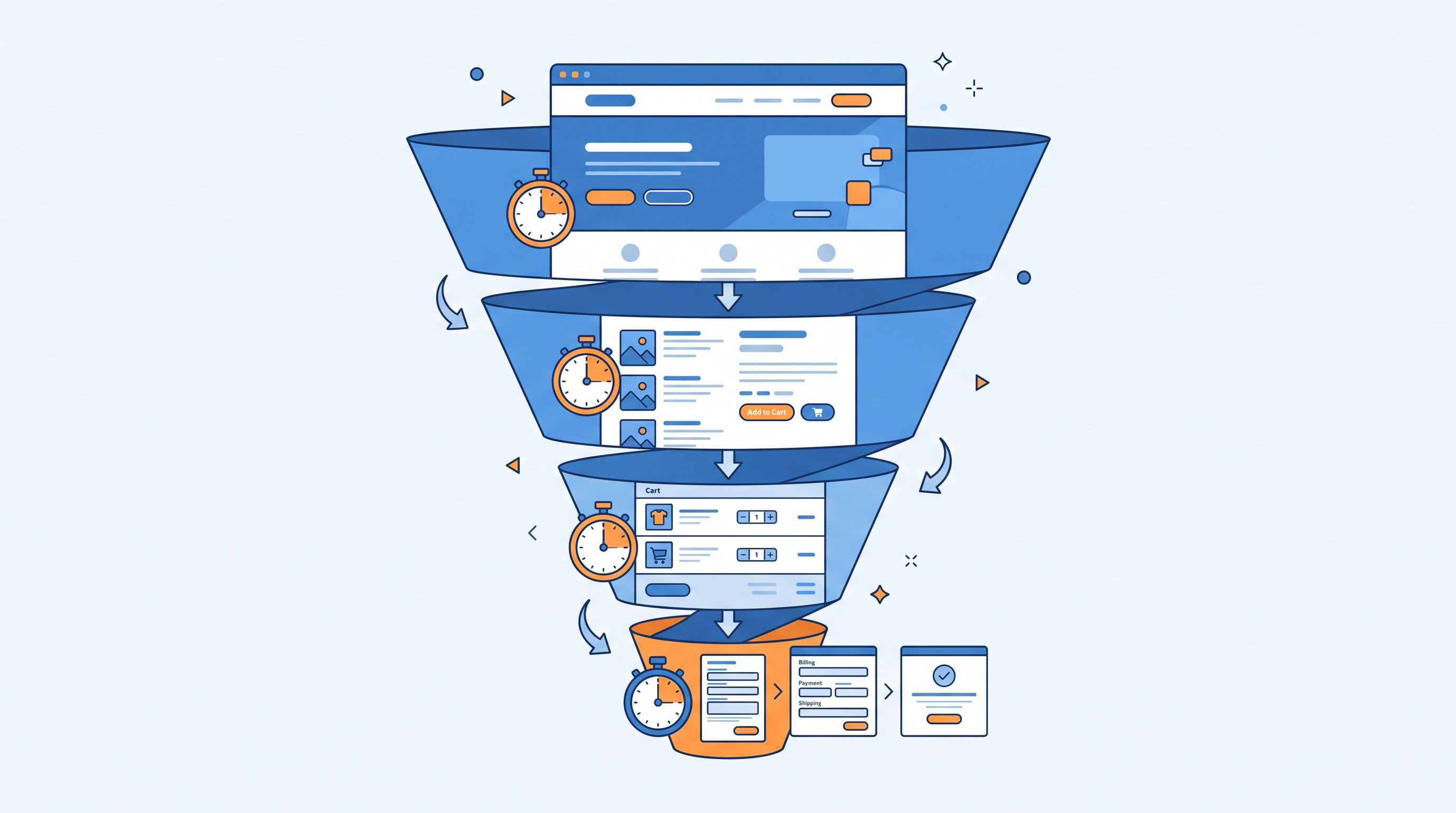
Speed affects revenue at several points, not only at the
first page view.
Higher bounce rates
Visitors who leave before the page finishes loading never
see your products, your offer, or your reviews. You paid for that traffic through
ads, email, or SEO, so every bounce wastes acquisition budget.
Fewer pages per session
Shoppers browse more when navigation feels instant. If each
category page takes several seconds, people view fewer products and compare
fewer options.
Abandoned carts
Slow checkout steps are especially damaging. A delay after
clicking "Place order" makes people wonder whether the payment went
through. Some refresh the page or leave.
Lower search visibility
Google has confirmed that page experience signals, including
Core Web Vitals, are part of its ranking systems. Speed is not the strongest
factor, since relevance matters far more, but between two similar pages, the
faster one can have an edge.
Weaker repeat business
A frustrating first visit makes a return visit less likely.
Speed affects customer lifetime value, not just single sessions.
Core Web Vitals in Plain English
Google measures real-world page experience with three main
metrics. Here is what each means and the "good" threshold Google
publishes.
|
Metric |
What it measures |
Good score |
|
Largest Contentful Paint (LCP) |
How quickly the main content, usually a hero image or
product photo, appears |
2.5 seconds or less |
|
Interaction to Next Paint (INP) |
How fast the page responds when someone taps or clicks |
200 milliseconds or less |
|
Cumulative Layout Shift (CLS) |
How much the layout jumps around while loading |
0.1 or less |
CLS deserves special attention in stores. Anyone who has
tapped "Add to cart" just as a banner pushed the button down knows
how irritating it is. It can also cause accidental clicks and lost trust.
Why Mobile Speed Deserves Extra Attention
Most online stores now receive a large share of their visits
from phones. Mobile shoppers often use slower or less stable connections and
less powerful hardware than a developer's office laptop.
A store that feels fast on fiber broadband may feel painful
on a mid-range phone over mobile data. Always test on mobile first, ideally on
a real device with a throttled connection.
The Most Common Causes of Slow Stores
Most e-commerce slowdowns come from a short list of
culprits:
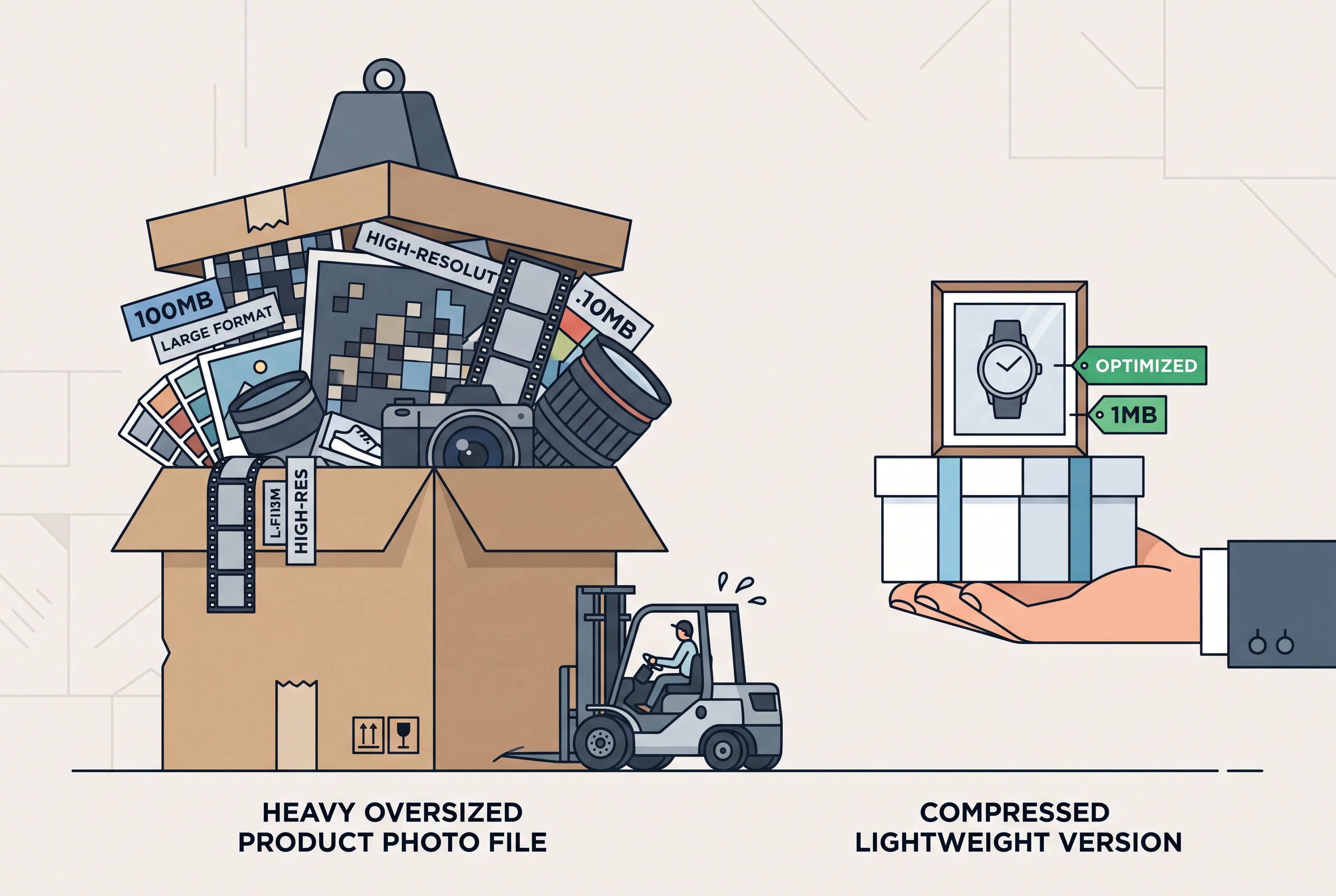
- Oversized
images. Product photos uploaded at full camera resolution are the most
frequent problem.
- Too
many third-party scripts. Chat widgets, review tools, tracking pixels,
and pop-ups each add requests and processing time.
- Heavy
themes and plugins. Feature-packed templates often load code your
store never uses.
- Slow
hosting. Cheap shared servers struggle during traffic spikes such as
sales events.
- No
caching or content delivery network (CDN). Without them, every visitor
waits on your origin server, even from far away.
- Unoptimized
fonts. Multiple custom font files can delay text from appearing.
How to Speed Up Your Store: A Practical Order of Attack
You don't need to fix everything at once. Work from highest
impact to lowest effort.
- Measure
first. Use Google PageSpeed Insights and the Core Web Vitals report in
Google Search Console. Check your key templates: home page, category page,
product page, and checkout.
- Compress
and resize images. Use modern formats such as WebP or AVIF, and size
images to how they actually display.
- Lazy-load
below-the-fold images. Do not lazy-load your main hero or product
image, since that can hurt LCP.
- Audit
third-party scripts. Remove anything you don't clearly need. Delay
non-essential scripts until after the page becomes interactive.
- Use
a CDN and caching. This shortens the distance between your content and
your customers.
- Reserve
space for images and banners. Setting width and height prevents layout
shifts.
- Check
hosting. If the server is slow to respond even on simple pages,
upgrading may help more than any front-end tweak.
- Retest
after each change. This shows which fixes actually helped.
Key Point: Start with images and third-party scripts.
In many stores, these two changes deliver the largest gains for the least
effort.
Common Misunderstandings
"A perfect PageSpeed score is the goal." It
isn't. The score is a lab estimate. What matters is real-user performance and
your conversion data.
"Speed only matters for big retailers."
Small stores often have less forgiving traffic sources. Paid clicks are
expensive, and wasting them on slow pages hurts more.
"Our customers are loyal, so they'll wait."
Returning customers may tolerate some delay, but new visitors, the ones you are
trying to win, will not.
Measuring the Business Impact
Speed work should connect to revenue, not just scores.
Before you optimize, record your baseline for conversion rate, bounce rate,
average order value, and cart abandonment. After changes, compare the same
metrics over a comparable period.
Be careful about seasonality and campaigns, since these can
distort results. If you have enough traffic, an A/B test of a faster versus
slower version gives the clearest evidence.
A Faster Store Is a Better Sales Channel
Speed won't rescue a weak product or a confusing offer, but
it removes friction from everything else you do. The research points the same
way: even small delays reduce engagement, and small improvements can lift
conversions and order values.